TL;DR:
- Spreadsheets are risky, manual, and hard to scale for group payments
- Missed payments, version conflicts, and calculation errors are common
- Modern group payment tools automate collections, tracking, and refunds
- The best tools handle reminders, multiple currencies, and partial payments
- Dedicated platforms reduce admin work and payment confusion
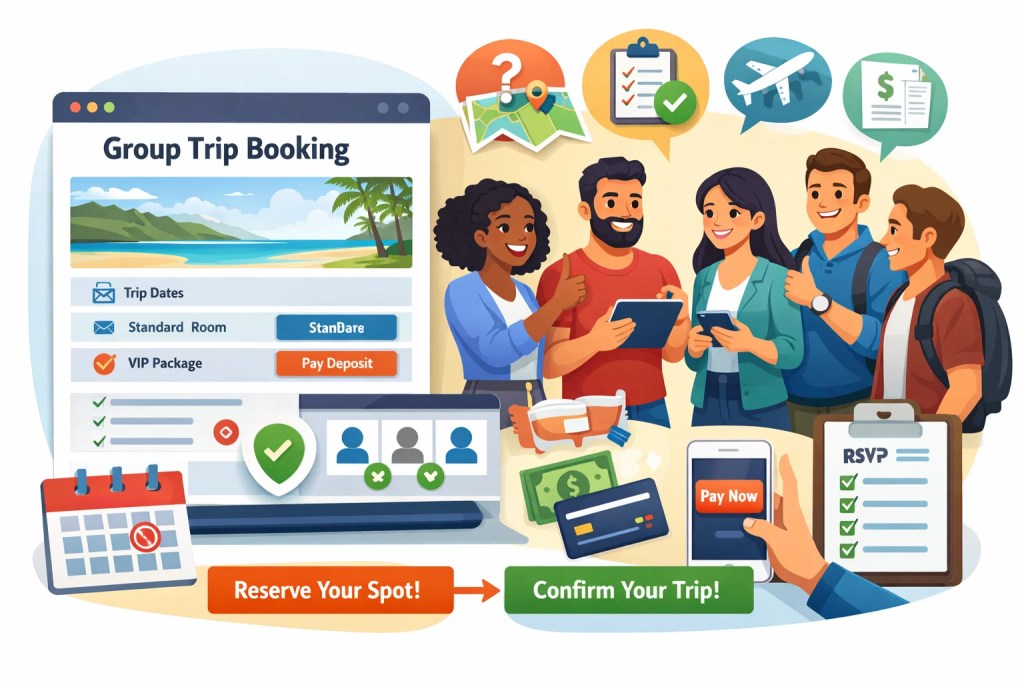
- SquadTrip replaces spreadsheets with one clean system for group payments, RSVPs, and coordination
Introduction
If you are still using spreadsheets to manage money for group trips, retreats, or events, you are not alone. For years, Google Sheets and Excel have been the default choice for tracking who paid, who has not, and how much is still pending.
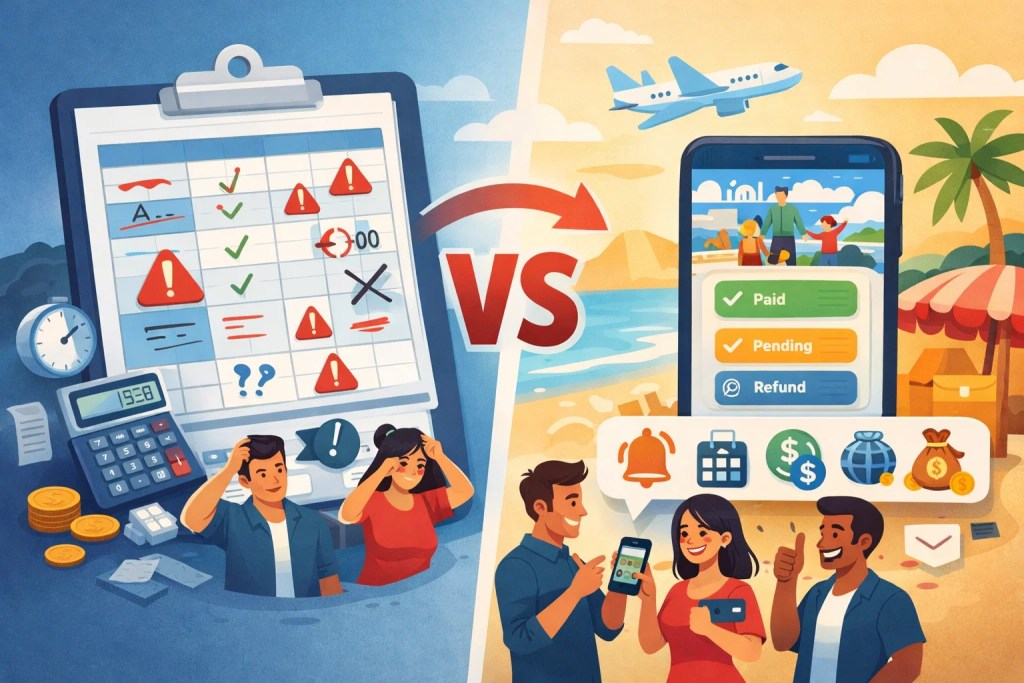
But as soon as group size increases or payments get complicated, spreadsheets start breaking down.
That is why more organizers are actively searching for alternatives to spreadsheets for group payments. Whether you are planning a group trip, hosting a retreat, running a community event, or organizing a team offsite, spreadsheets quickly become stressful, error-prone, and time-consuming.
This guide walks through why spreadsheets fail, what modern group payment tools do better, and which options actually work for trips and events. We will also show how SquadTrip simplifies group payments without the mess.
If you want to stop chasing payments and fixing sheet errors, keep reading.
If you are still managing group payments in spreadsheets, there is an easier way. SquadTrip centralizes payments, reminders, and tracking in one place.
Why Spreadsheets Fail for Group Payments
Spreadsheets are flexible, but flexibility is exactly what makes them fragile when money is involved.
1. Manual tracking causes mistakes
Every payment update depends on someone manually editing a cell. One wrong number, one missed update, or one overwritten formula can throw everything off.
When you are handling deposits, installments, refunds, or discounts, errors compound fast.
2. No real-time payment status
Spreadsheets do not connect to actual payments. You still need to:
- Check bank statements
- Match transactions manually
- Mark rows as paid or unpaid
This slow everything down and increases the chance of mismatches.
3. Version control issues
Multiple people editing the same sheet often leads to:
- Overwritten data
- Conflicting versions
- Accidental deletions
When money is involved, even small version issues can create trust problems.
4. Zero automation
Spreadsheets cannot:
- Send payment reminders
- Enforce deadlines
- Handle partial payments automatically
- Trigger refunds
Everything depends on follow-ups and manual coordination.
5. Poor experience for participants
From a participant’s side, spreadsheets feel unprofessional. People have to:
- Ask how to pay
- Confirm if payment was received
- Ask for receipts or updates
This creates unnecessary back-and-forth.
What Modern Group Payment Tools Do Better
Before looking at specific tools, it helps to understand what separates a real group payment solution from a spreadsheet workaround.
1. Automated payment collection
Participants pay directly through a secure checkout instead of sending screenshots or bank confirmations.
2. Real-time tracking
Payments update automatically. No manual entry. No reconciliation headaches.
3. Built-in reminders
Late payments trigger reminders without you chasing people one by one.
4. Support for deposits and installments
Good tools allow:
- Partial payments
- Payment plans
- Deadlines
This is critical for trips and events with higher ticket prices.
5. Refund and cancellation handling
Instead of calculating refunds manually, modern tools handle them cleanly and transparently.
6. Clean experience for participants
Participants see:
- What they owe
- What they have paid
- What is pending
No confusion, no awkward follow-ups.
Alternatives to Spreadsheets for Group Payments
If you are serious about replacing spreadsheets, these are the main categories of tools organizers use today.
1. Dedicated group payment platforms
These tools are built specifically for collecting and managing payments from groups.
Best for:
- Group trips
- Retreats
- Community events
- Team offsites
They usually include payment links, tracking dashboards, reminders, and refunds.
Limitations:
- Some are generic
- Some lack trip or event context
SquadTrip falls into this category but adds trip and event coordination on top of payments.
2. Event ticketing platforms
Ticketing tools allow you to sell tickets and track attendance.
Pros:
- Built-in payment processing
- Simple setup for one-time events
Cons:
- Not designed for group trips
- Weak support for payment plans
- Limited refund flexibility
For multi-day trips or retreats, ticketing tools often feel restrictive.
3. Payment apps with manual tracking
Some organizers use payment apps combined with notes or tags.
Pros:
- Easy for small groups
- Familiar payment methods
Cons:
- No central dashboard
- Still requires manual tracking
- No automated reminders
This approach is slightly better than spreadsheets, but still fragile at scale.
4. Accounting or invoicing software
Invoicing tools work well for businesses but poorly for casual groups.
Pros:
- Strong records
- Clear payment status
Cons:
- Overkill for trips and events
- Confusing for participants
- Not built for group coordination
5. All-in-one trip and event management platforms
These tools combine payments, RSVPs, and logistics.
Pros:
- Fewer tools to manage
- Better participant experience
- Less admin work
Cons:
- Must be designed for group use
This is where SquadTrip stands out.
Why Group Trips and Events Need More Than Payment Tools
Collecting money is only one part of organizing a group.
Spreadsheets fail because they try to do everything and do none of it well.
1. Payments are tied to people and logistics
For trips and events, payments connect to:
- RSVPs
- Room assignments
- Activity bookings
- Deadlines
A payment tool without context forces you back into spreadsheets.
2. Participants need clarity
Participants want to know:
- Have I paid?
- Do I still owe something?
- What happens if plans change?
Spreadsheets cannot answer these questions automatically.
3. Organizers need less admin, not more tools
Using multiple tools creates more work, not less.
A good alternative to spreadsheets should reduce:
- Follow-ups
- Manual updates
- Data duplication
How SquadTrip Replaces Spreadsheets Completely
SquadTrip was built to solve the exact problems spreadsheets create for group payments.
1. Centralized group payment collection
Instead of tracking rows and columns, SquadTrip gives you a single dashboard where:
- Payments update automatically
- You see who has paid and who has not
- Totals stay accurate
No manual reconciliation.
2. Support for deposits and payment plans
Trips and retreats often require flexible payments.
SquadTrip allows:
- Deposits upfront
- Installments over time
- Clear deadlines
Participants always know what is due next.
3. Automatic reminders without awkward follow-ups
No more individual messages asking people to pay.
SquadTrip sends reminders automatically, saving you time and reducing discomfort.
4. Built-in refund and cancellation handling
Refunds are one of the biggest spreadsheet nightmares.
With SquadTrip:
- Refunds are tracked clearly
- Policies stay consistent
- Participants see updates instantly
5. Clear experience for participants
Participants get:
- A simple payment page
- Clear payment history
- Transparent status updates
This builds trust and reduces questions.
Common Spreadsheet Scenarios and Better Alternatives
Let’s break down real-world situations where spreadsheets struggle.
Scenario 1: Tracking partial payments
Spreadsheet problem:
Multiple columns, formulas, and manual updates.
Better approach:
Use a tool that tracks partial payments automatically.
SquadTrip handles this out of the box.
Scenario 2: Late payments and reminders
Spreadsheet problem:
You manually check dates and send messages.
Better approach:
Automated reminders based on deadlines.
Scenario 3: Group cancellations
Spreadsheet problem:
Manual refund calculations and confusion.
Better approach:
Built-in refund tracking tied to policies.
Scenario 4: Multiple currencies
Spreadsheet problem:
Exchange rate errors and inconsistent totals.
Better approach:
Payment tools that handle currencies automatically.
Choosing the Right Alternative to Spreadsheets for Group Payments
Not every tool is right for every group. Use these criteria when deciding.
1. Group size
Small groups may survive with simple tools. Larger groups need automation.
2. Payment complexity
If you have:
- Deposits
- Installments
- Discounts
Avoid spreadsheets entirely.
3. Participant experience
The smoother the payment experience, the fewer questions you handle.
4. Time saved
The best tool reduces admin work, not adds setup overhead.
5. Refund and policy control
Always choose tools that handle refunds cleanly.
Why Many Organizers Delay Switching (and Why They Should Not)
Spreadsheets feel familiar, which makes them hard to give up.
But familiarity hides cost.
1. Hidden time cost
Every manual update costs time. Over weeks or months, this adds up fast.
2. Trust risk
One payment error can damage trust with participants.
3. Stress and burnout
Chasing payments is one of the most draining parts of organizing.
Switching tools is not about tech. It is about protecting your time and sanity.
When Spreadsheets Might Still Be Okay
To be fair, spreadsheets are not always wrong.
They may work if:
- The group is under five people
- Payments are one-time only
- No refunds or changes are expected
The moment complexity increases, spreadsheets become a liability.
How to Transition Away From Spreadsheets Smoothly
Switching does not have to be disruptive.
Step 1: Stop updating the spreadsheet
Freeze it as a reference, not a live system.
Step 2: Move active participants to a payment platform
Invite them to pay or confirm payments through the new system.
Step 3: Communicate clearly
Explain that payments and updates will now happen in one place.
Step 4: Let automation handle the rest
Reminders, tracking, and updates should no longer need your attention.
SquadTrip is designed to make this transition simple.
Conclusion
Managing group payments does not have to mean endless spreadsheets, manual updates, and awkward follow-ups. Modern tools make it easier to collect money, track payments, and handle changes without stress.
SquadTrip replaces spreadsheets with a single, organized system built specifically for group trips and events. From deposits to refunds, everything stays clear and under control.
If you are ready to stop chasing payments and start focusing on the experience, try SquadTrip for your next group trip or event.
FAQs
What are the best alternatives to spreadsheets for group payments?
The best alternatives are tools that automate payment collection, tracking, reminders, and refunds. Dedicated group payment platforms and trip or event management tools work far better than spreadsheets because they update payments in real time and reduce manual work.
Why are spreadsheets a bad option for managing group payments?
Spreadsheets rely on manual updates, which leads to errors, missed payments, and confusion. They also do not send reminders, handle partial payments well, or connect directly to payment systems, making them unreliable for trips and events.
Can I collect deposits and installments without using spreadsheets?
Yes. Many modern group payment tools support deposits, installment plans, and payment deadlines automatically. This removes the need to track multiple columns or formulas in a spreadsheet.
How do group payment tools handle late payments?
Most tools send automatic reminders before and after payment deadlines. This removes the need for organizers to chase participants individually and keeps payment timelines clear.
Are spreadsheets okay for small group payments?
Spreadsheets may work for very small groups with one-time payments and no refunds. As soon as you add deposits, installments, or more participants, spreadsheets become hard to manage and prone to mistakes.
What should I look for in a spreadsheet alternative for group payments?
Look for features like automated payment tracking, reminders, support for partial payments, refund handling, and a clear dashboard for both organizers and participants.